Quote requests you can actually work with
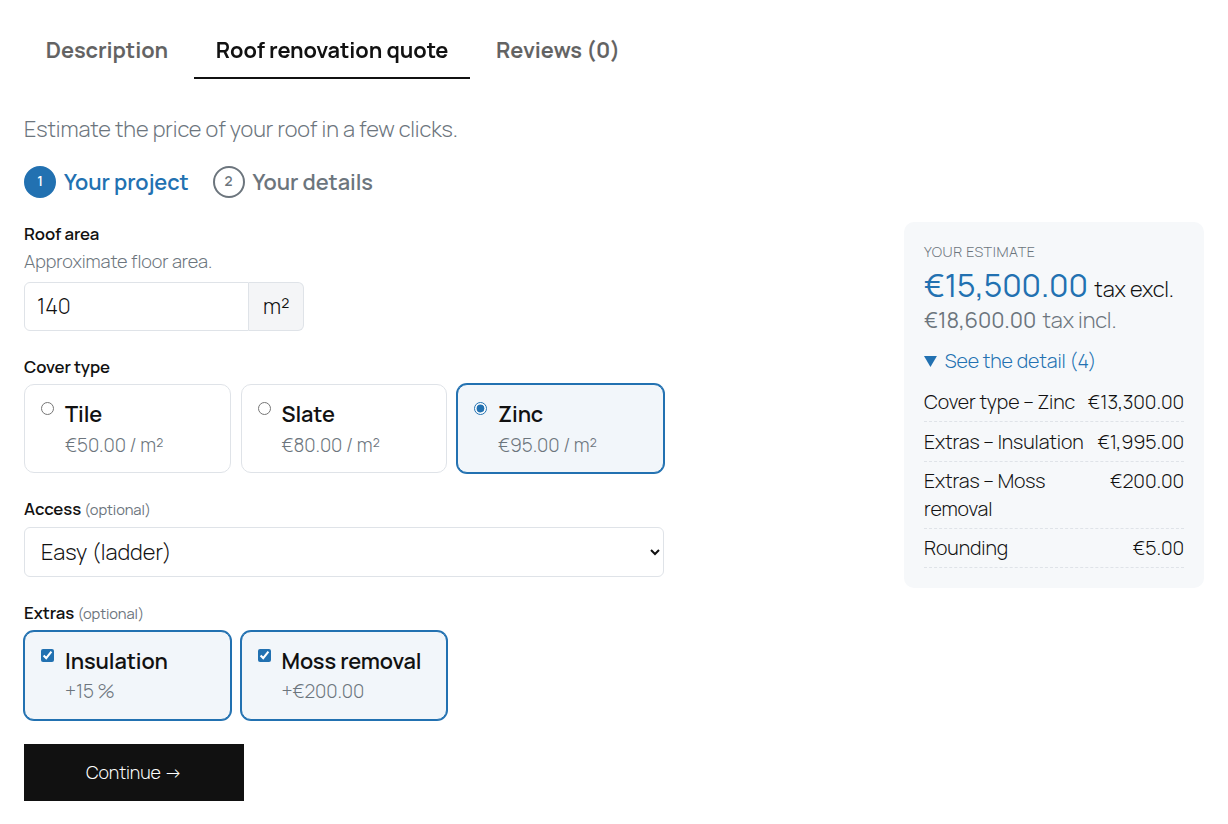
Does your WooCommerce store sell made-to-measure products or services? Roofing, flooring, windows, signs, printing, cleaning, transport… The price always depends on the project, and the classic “contact us” mostly brings incomplete messages.
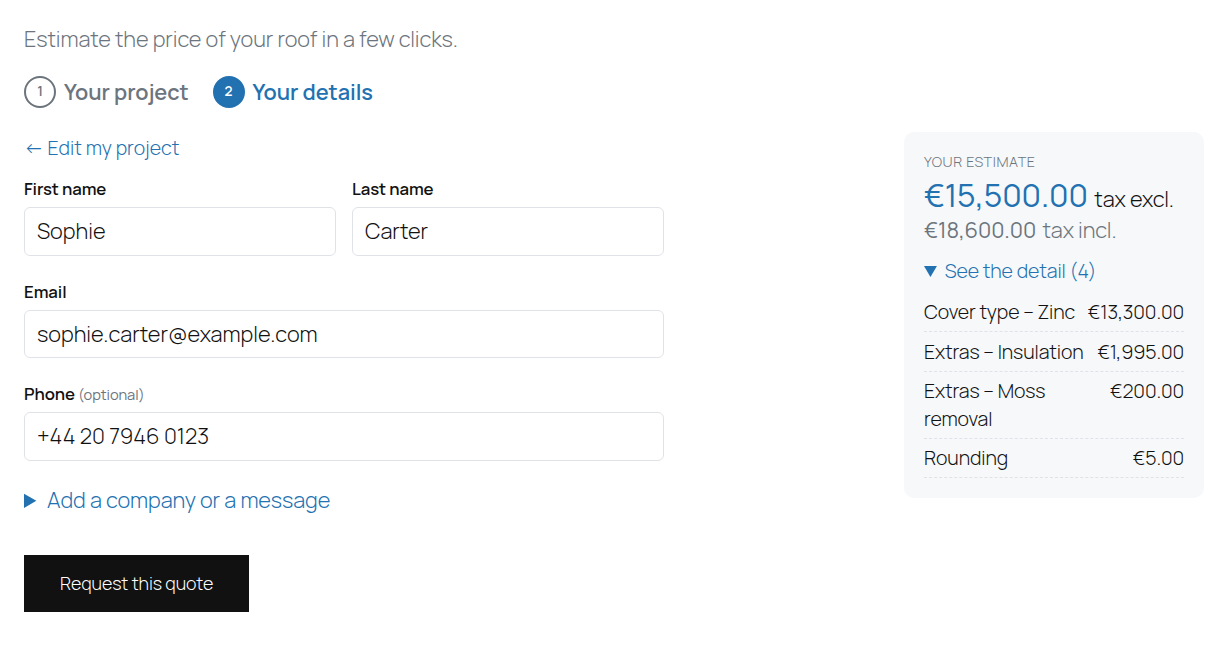
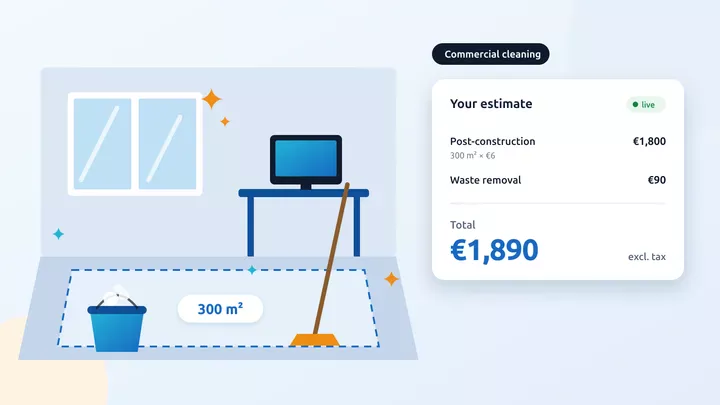
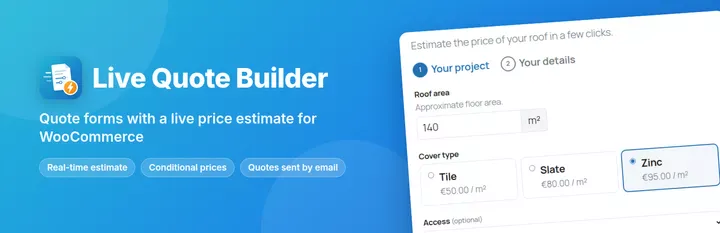
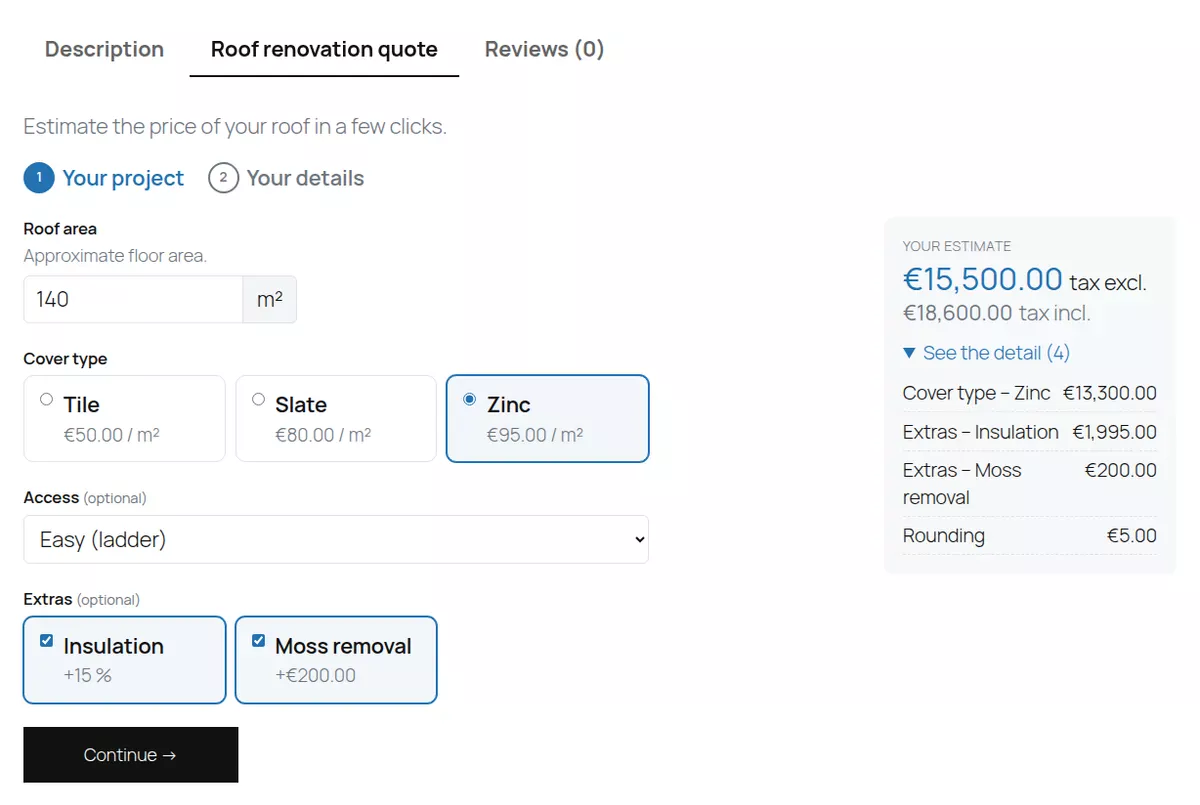
Live Quote Builder gives your visitors a guided quote form: they answer a few questions, watch their estimate update with every answer, then send you a complete request with the quantities, the options and the calculated price. You adjust it and send back a real quote in minutes.
Why merchants use it
- More qualified requests: customers know the price range before writing to you.
- Less back and forth: every answer is in the request.
- A quote in minutes: edit the lines, adjust the amount, set a validity date, send.
The form builder
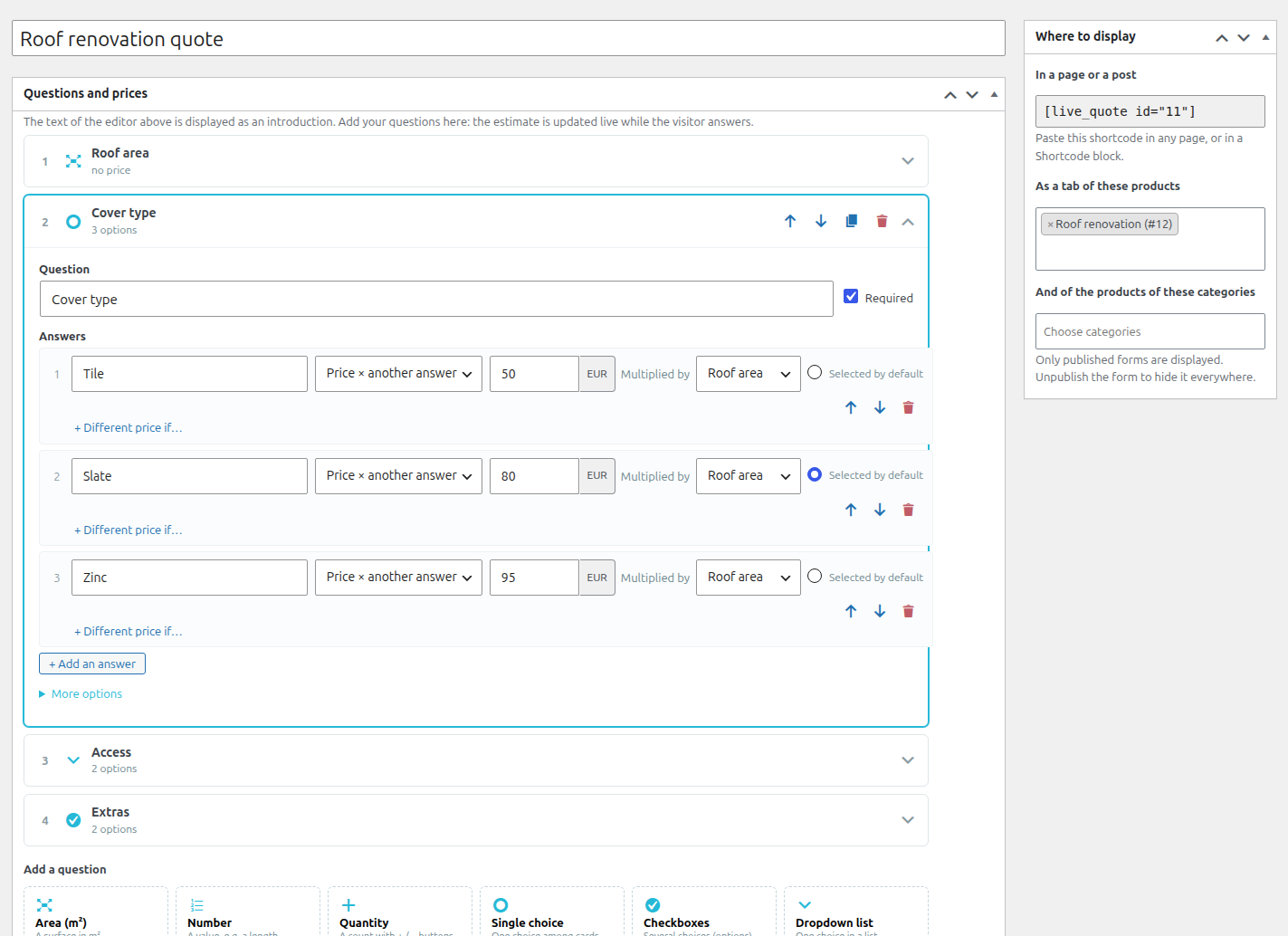
Seven question types: number, area (m²), quantity with + / − buttons, dropdown list, single choice cards, checkboxes and free text.
Four pricing modes per question: price per unit entered, price multiplied by another answer, fixed amount or percentage of the total.
Conditional rules to match your price list: “if the material is slate, then €45 per m²”, or a question that only appears for some answers.
You can also set a minimum and maximum amount, rounding, and show the estimate tax excluded, tax included or both. Prices follow your WooCommerce format (currency, separators, decimals).
Display
- Shortcode
[live_quote id="123"]in any page, post or Shortcode block; - tab on selected products, or on every product of some categories.
The form has two steps (the project, then the contact details), is responsive, keyboard friendly, and works with block themes (Twenty Twenty-Five) as well as classic themes (Storefront). It uses your theme’s buttons.
Managing quotes
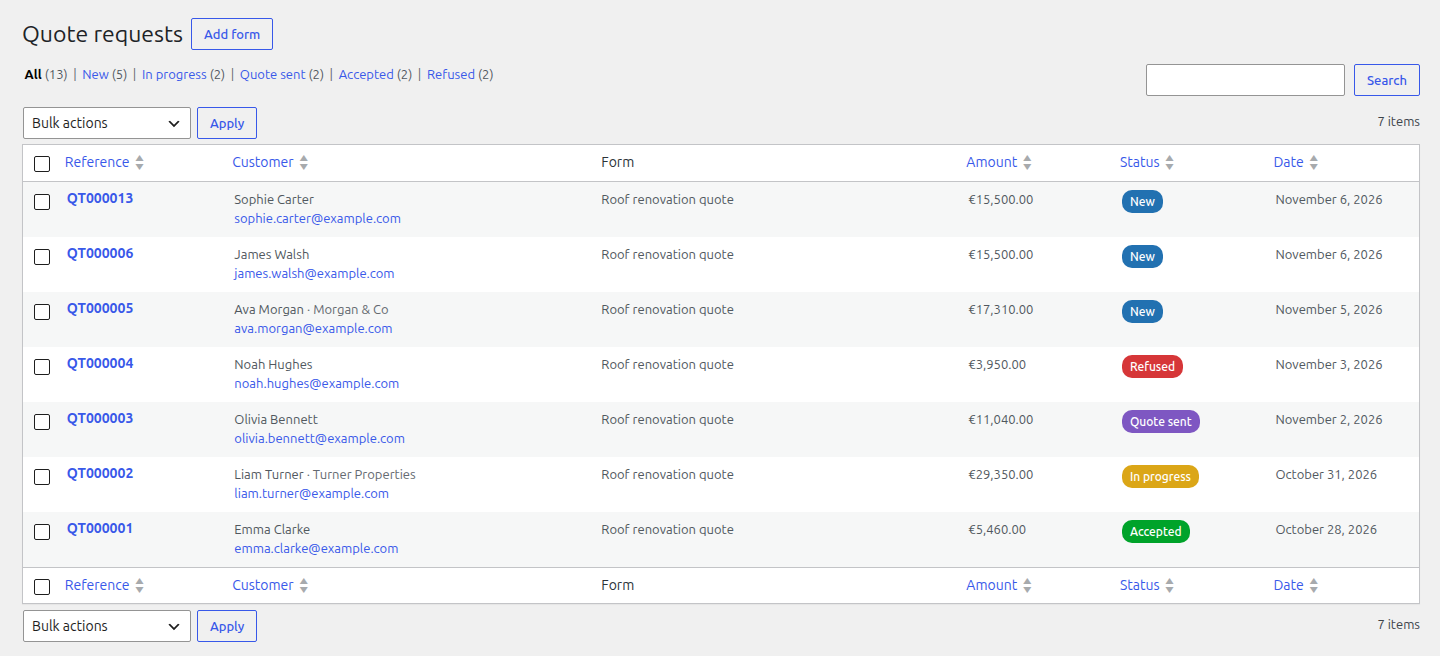
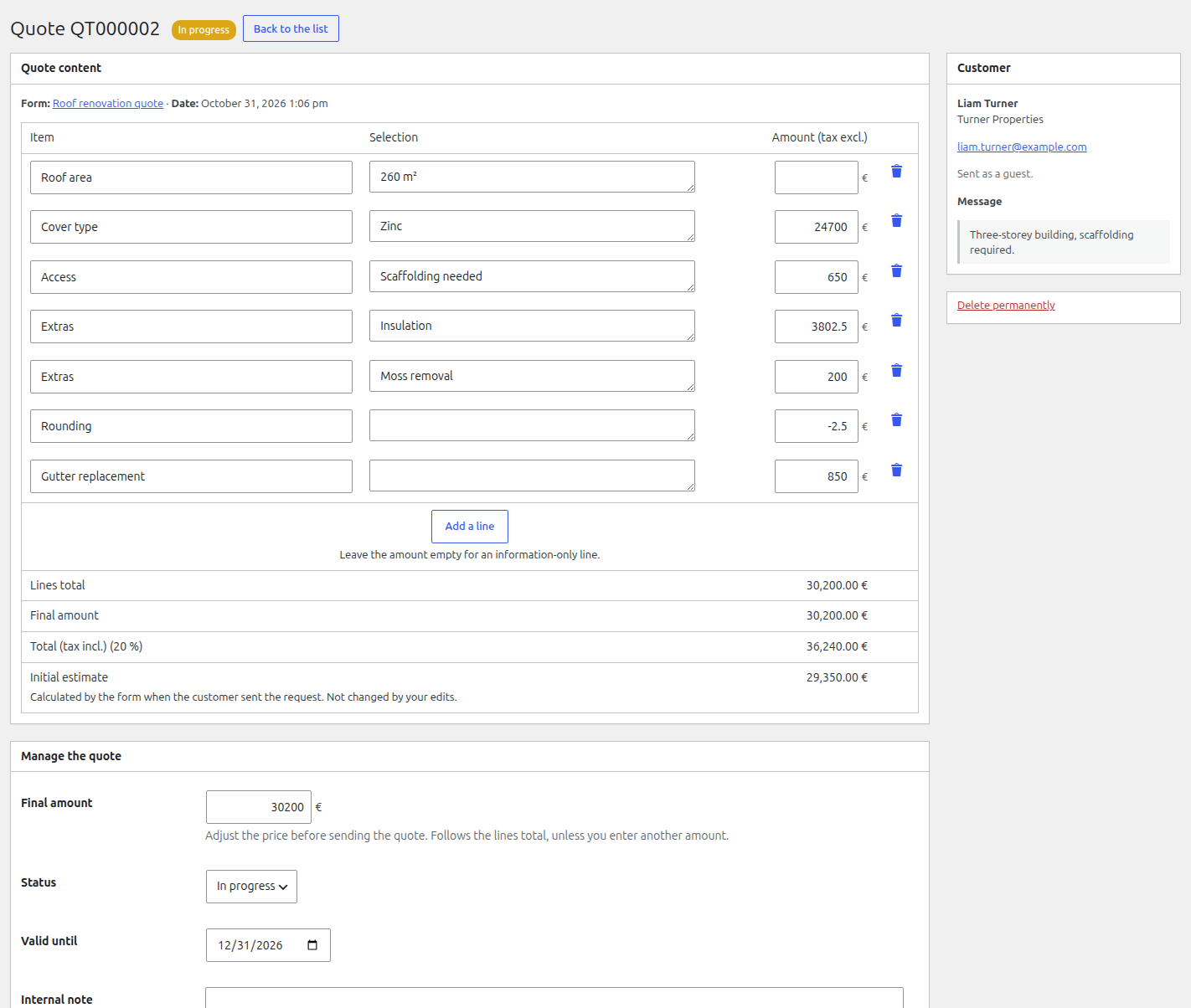
The Quotes menu gathers every request, with statuses (new, in progress, sent, accepted, refused, ordered), search and bulk actions.
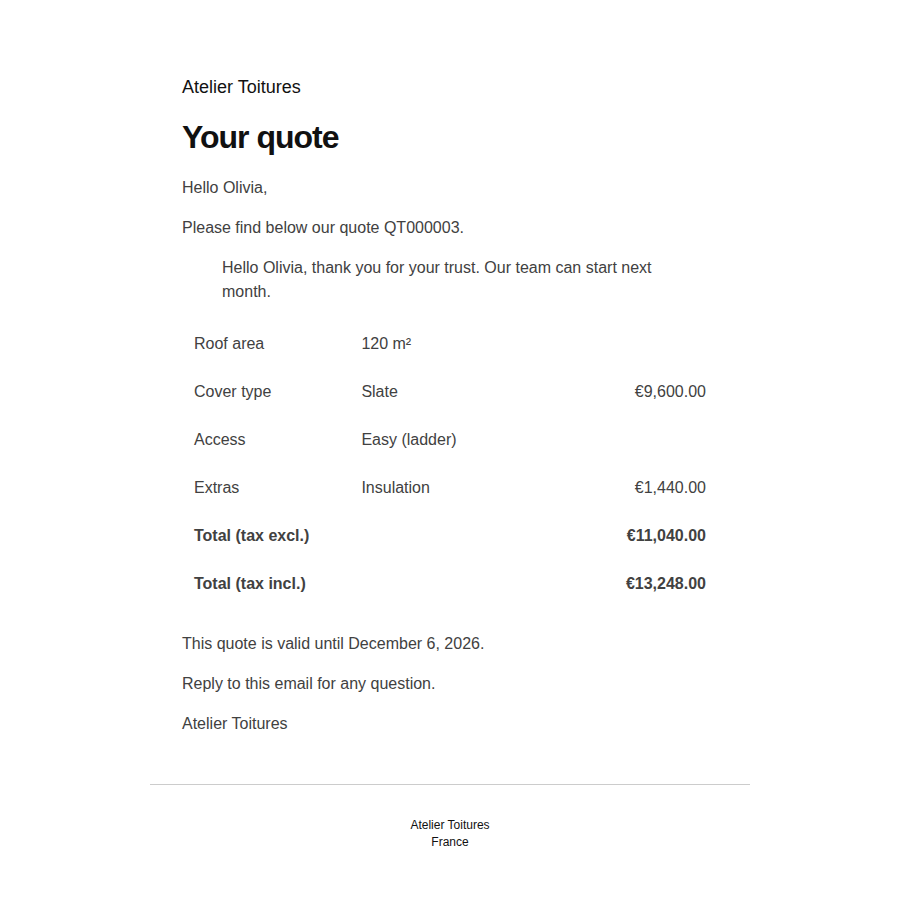
For each request you can edit the lines, add information lines, adjust the final amount, set a validity date and keep an internal note. The quote is then sent by email in the WooCommerce email template, consistent with your other store emails.
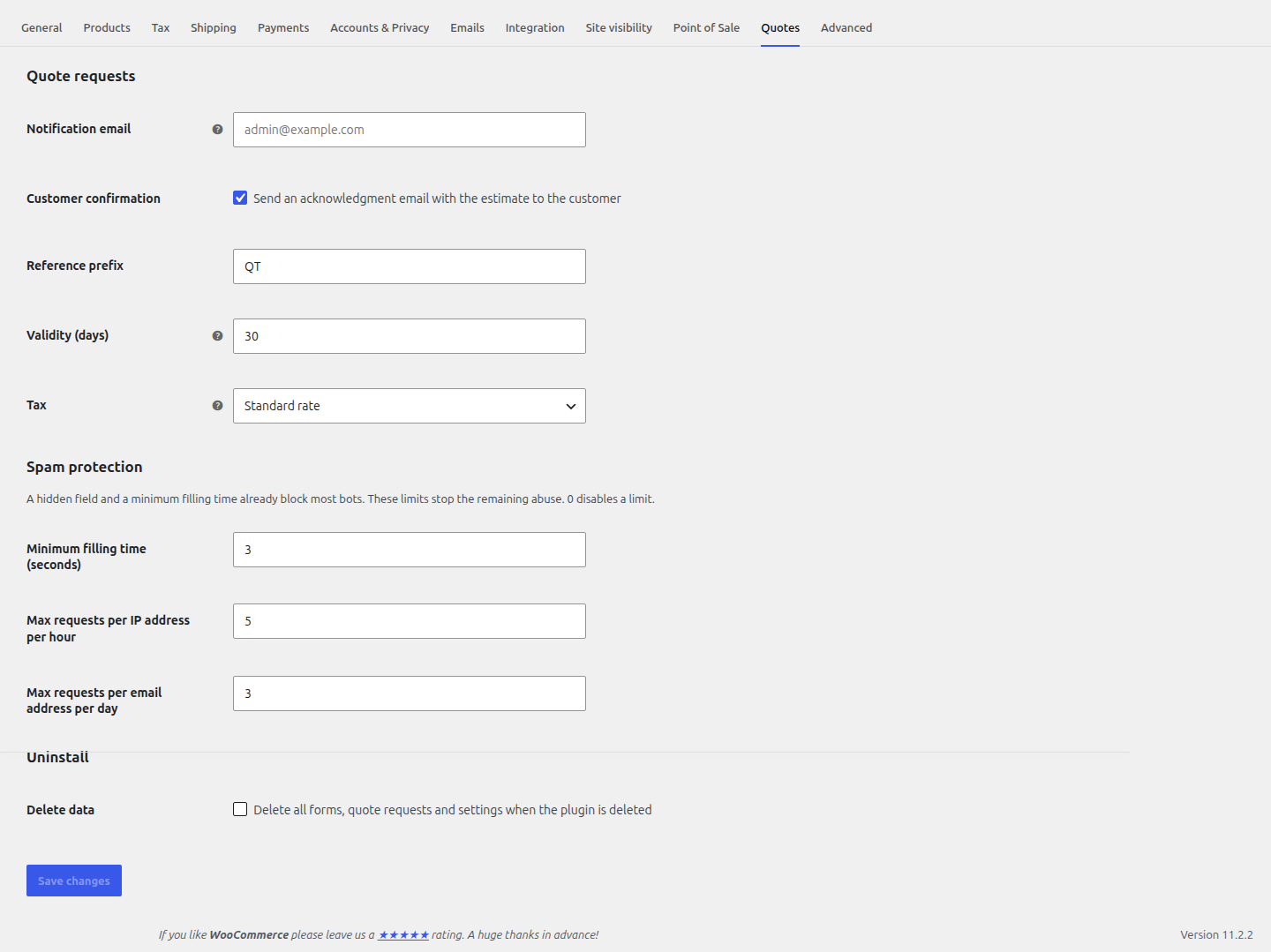
The store is notified of each new request (with extra recipients per form if needed) and the customer receives an acknowledgment.
Privacy and spam protection
- No captcha: honeypot field, minimum filling time, limits per IP address and per email address.
- Page-cache friendly: the anti-spam token stays valid for 30 days.
- IP addresses erased after 30 days.
- Integrated with the WordPress privacy tools (export and erasure), with a suggested text for your privacy policy.
- A quote linked to an order is locked and kept for 6 years, like the order itself.
For developers
Templates can be overridden in your-theme/live-quote-builder/. Actions and filters are available at
each step:
// Add an "Order this quote" button to the email sent to the customer
add_action('lqbuilder_email_quote_after', function (array $quote) {
    $url = home_url('/order-quote/?ref=' . rawurlencode($quote['reference']));
    printf('<p><a href="%s">Order this quote</a></p>', esc_url($url));
});
Other extension points: lqbuilder_request_created, lqbuilder_request_validation_errors,
lqbuilder_quote_sent, lqbuilder_quote_email_attachments.
Technical details
| Requirements | WordPress 6.4+, WooCommerce active, PHP 7.4+ |
| Tested up to | WordPress 7.1 |
| Languages | English, French included |
| License | GPL v2 or later |