
B2B catering and events: from a negotiated quote to an online order
How an event caterer uses Live Quote Builder on PrestaShop to estimate a budget per guest, negotiate with business customers and take the order at the agreed price.
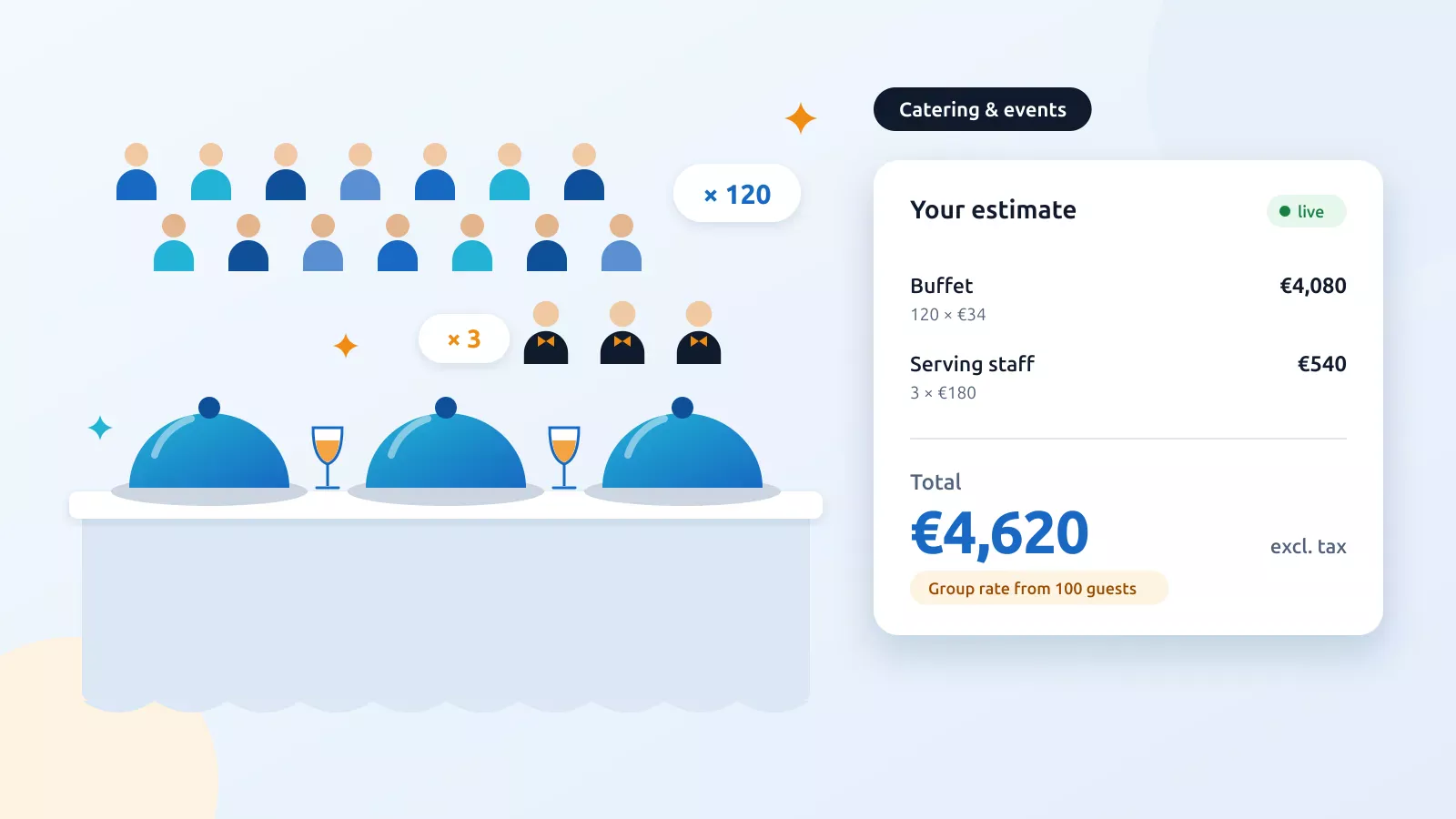
A seminar, a company party, a product launch: in B2B events, the quote is not a formality. The customer compares, asks for an alternative, gets approval from their purchasing department, comes back with a different guest count. And once everyone agrees, the quote still has to become an order, then a payment.
This third use case shows how a caterer handles that whole cycle with Live Quote Builder on PrestaShop: an estimate by the customer, a negotiation tracked version by version, then an online order at the exact agreed price.
The problem: quotes that live for weeks
For a caterer, every event involves several exchanges:
- a first estimate to check whether the budget works;
- adjustments (menu, guest count, staff);
- a final version the customer must get approved internally;
- then the order, often entered by hand and paid by bank transfer.
Between emails, PDFs renamed “quote_v3_final_OK” and spreadsheets, it becomes hard to know which version is the right one and where each quote stands.
The form: a budget per guest
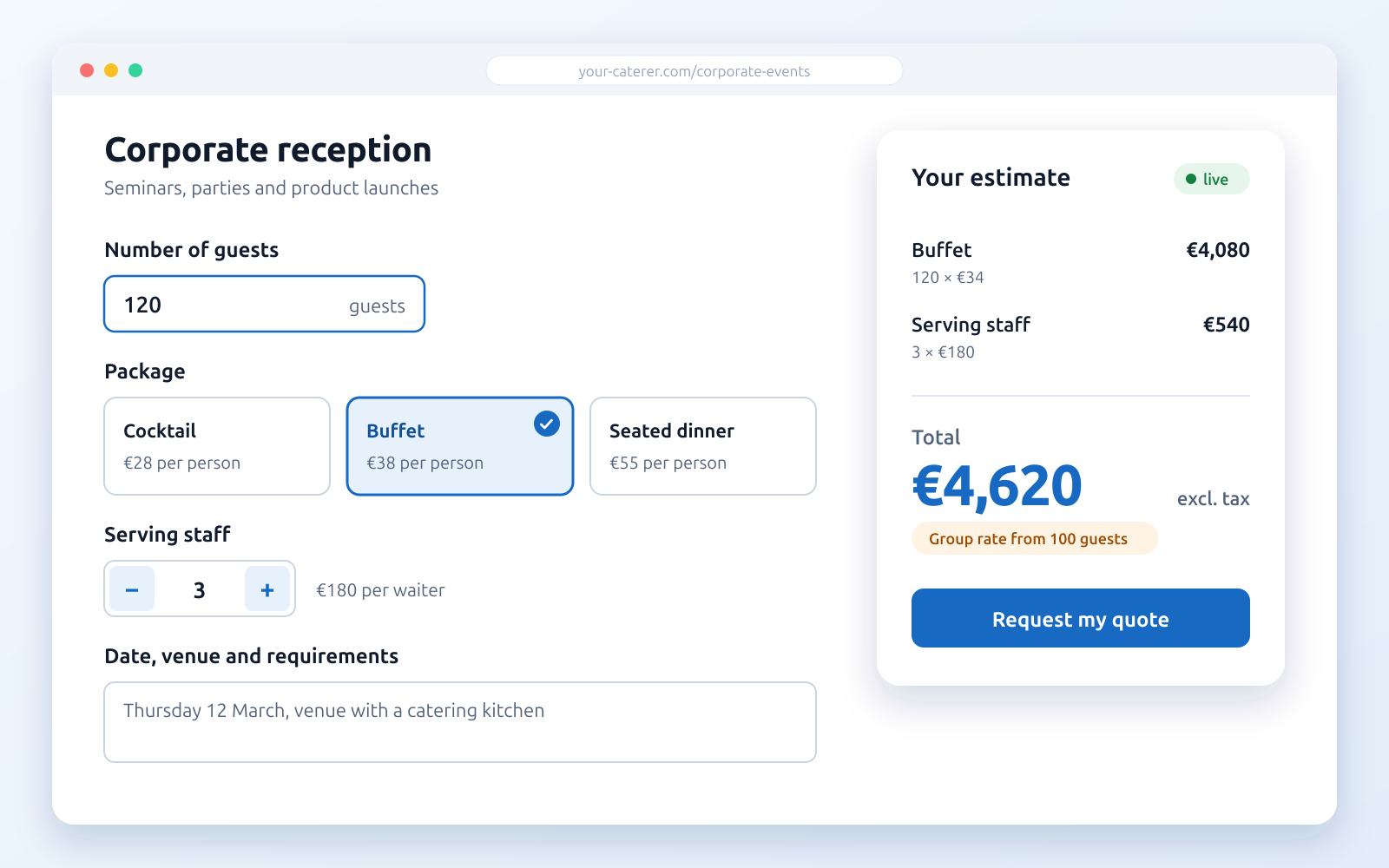
The caterer creates a “Corporate reception” form:
- Number of guests (Number type);
- Package (Single choice type, shown as cards): cocktail at €28 per person, buffet at €38 per person, seated dinner at €55 per person. The Price × another answer mode multiplies the rate by the number of guests;
- Serving staff (Quantity type, with + / − buttons): €180 per waiter;
- Date, venue and requirements (Free text type).
Large receptions get a conditional price: “if more than 100 guests, then €34 per person for the buffet”. The estimate is shown excluding tax, with a minimum order amount.
The form is shown on a dedicated page, and on a “Corporate events” CMS page with the shortcode
[livequote id=1]. Since the module is multilingual, international customers fill it in in their own
language.
What the customer sees
An executive assistant is planning the annual seminar: 120 guests, buffet package, 3 waiters. The estimate shows €4,080 for the buffet (120 × €34, thanks to the group rate) and €540 for the service, so €4,620 excl. tax. She knows right away whether it fits the budget, and can try another package before sending her request.
Negotiation, version by version
Here the ordering mode is After validation by the shop: the final price depends on the venue and on special requests.
On the request page, the caterer:
- adds a line for delivery and set-up;
- grants a discount on the final amount for a regular customer;
- sets a validity date, to hold the date and prices for two weeks;
- writes an internal comment (“allergies to be confirmed the week before”).
Every change creates a version, with its date, author and what changed. If the customer goes back to an earlier proposal, you just restore it. The quote is then emailed with a personal message and the PDF attached, ready to forward to the purchasing department.
From quote to order, with no re-keying
From their quote page, the customer downloads the PDF, then orders or declines and says why. If they order, the quote is added to the cart at the exact negotiated price and goes through PrestaShop’s usual checkout, with the shop’s payment methods.
The order is linked to the quote, which moves to the Ordered status: no re-keying, no gap between the signed quote and the invoice. And the reasons given for declined quotes tell you what lost a deal: price, date, menu.
Business customers who come back
Companies organise several events a year. In My account › My quotes, the logged-in customer finds the history of their requests and quotes: they start the next event from a known baseline, and the caterer keeps a complete history of the relationship.
What the caterer gains
- Qualified requests: guest count, package and budget are known from the start.
- A tracked negotiation, with no confusion between versions.
- A clean PDF, ready for companies’ approval processes.
- An online order at the agreed price, with no re-keying.
The same flow suits event equipment hire, seminar organisation, corporate training or any B2B service sold on quotation.
All the features are on the module page.